01
Create using AI
Tell Custapp what you want in simple words. The AI turns the request into a working app.
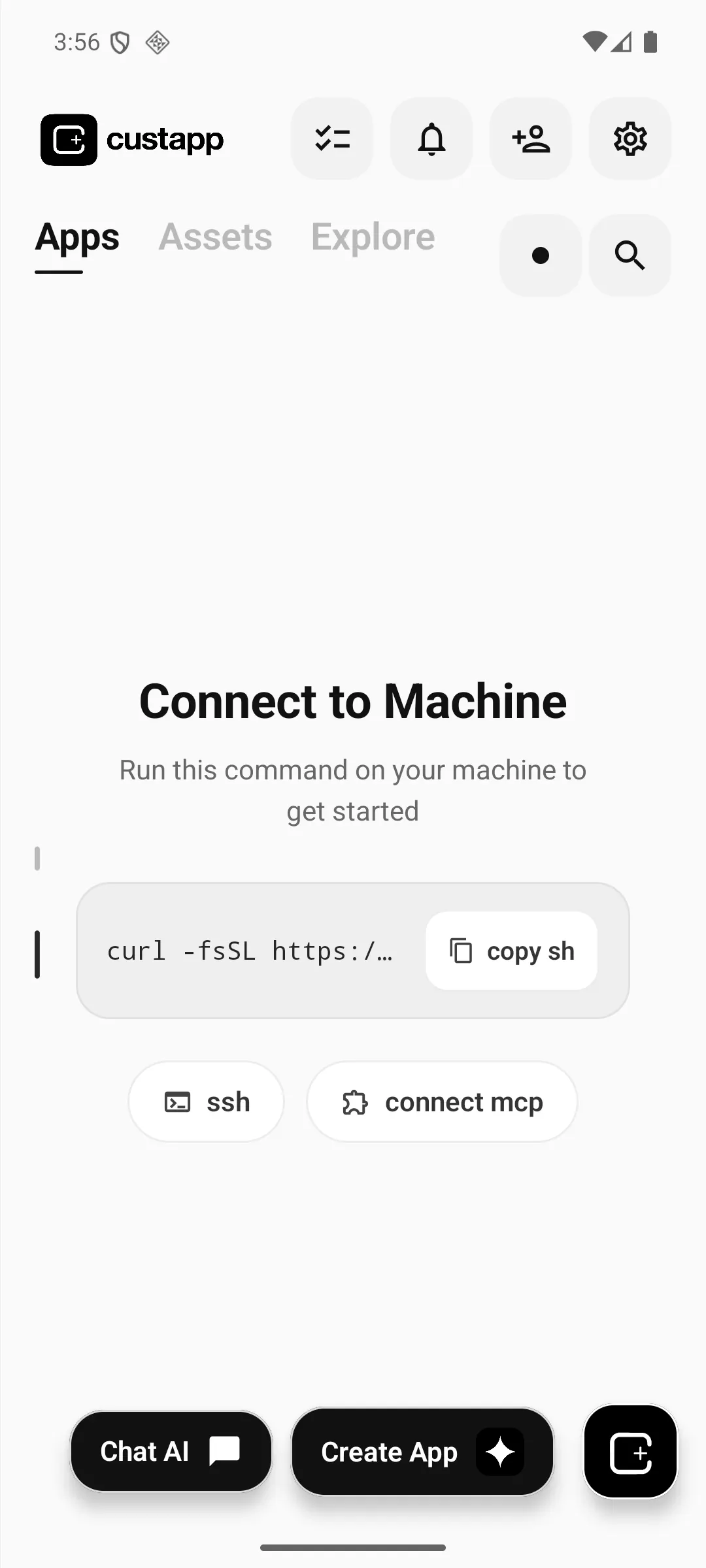
Describe what you need. Custapp builds a real mini-app on your phone, Mac, or browser — ready to use, update, and share.
✓ App structure
✓ Puppy interactions
Validating runtime
✓ Room creation
✓ Join by code
✓ Public parks
From one sentence to something you can actually use.
Custapp keeps the creation loop on your phone, so an idea can become a working app without switching tools.
Tell Custapp what you want in simple words. The AI turns the request into a working app.
Change behavior, UI, or features by chatting with AI again. Your app evolves without starting over.
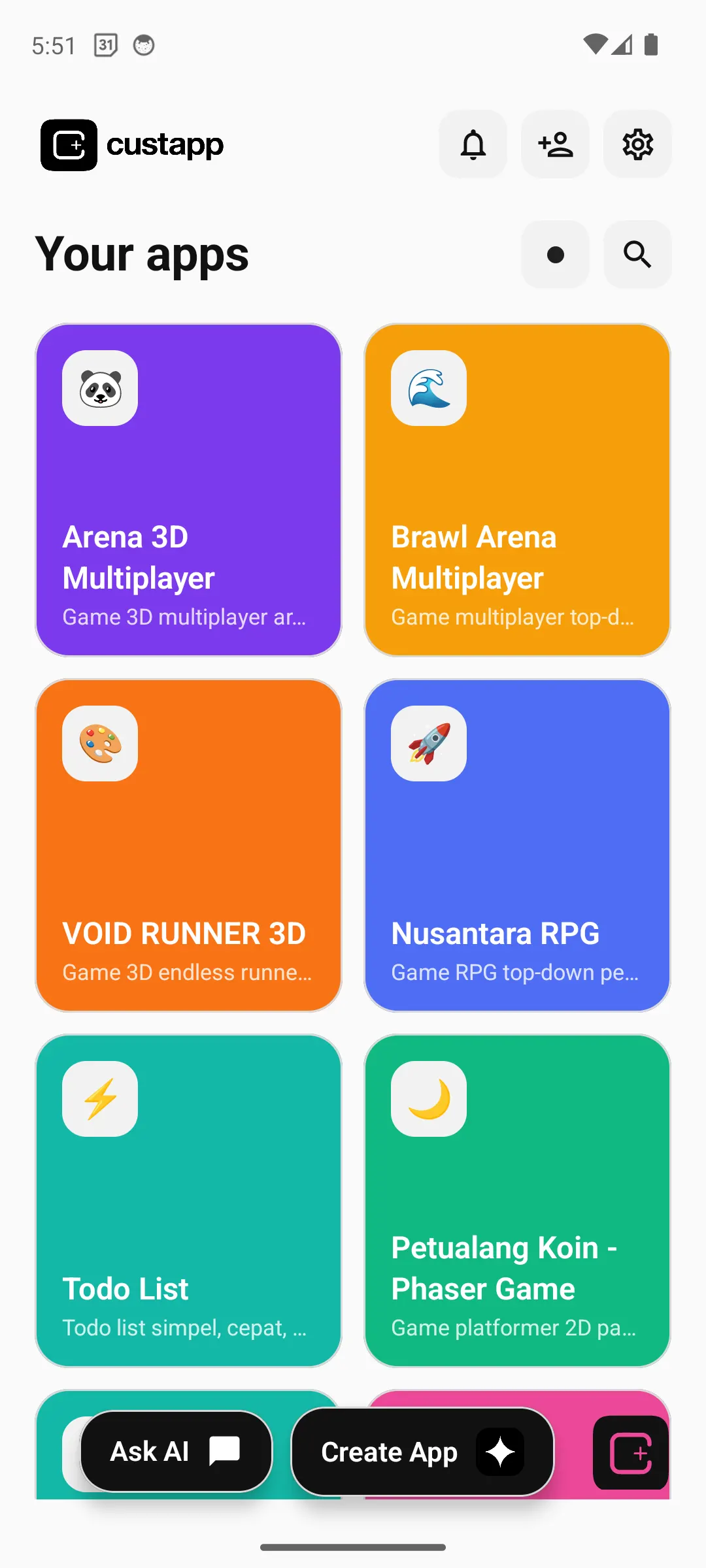
Run the result immediately, connect multiplayer experiences, and keep iterating from the same device.
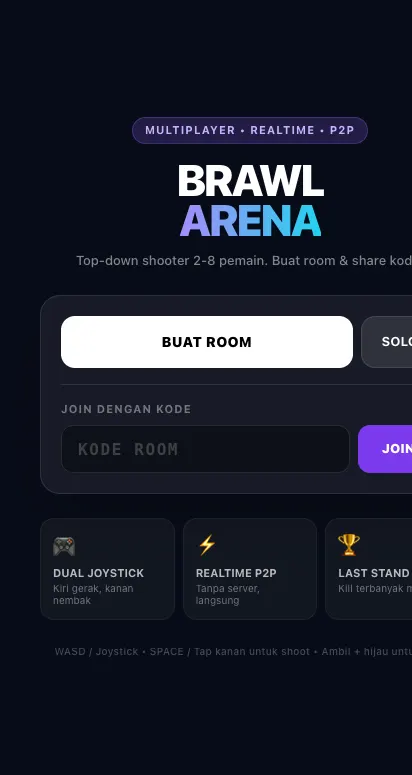
The strongest Custapp flow is not just creation. Build something, change it with AI, play it, add multiplayer, and customize it again.
Start with simple words, let AI build the first version, then request fixes, features, or a completely new direction without leaving the app.
Ask Custapp to add rooms, shared sessions, public spaces, or connected game flows. Iterate on multiplayer the same way you iterate on UI.
Finance notes, trackers, utilities, dashboards, and personal tools can all be shaped around the data and actions that matter to you.
Games, utilities, finance tools, multiplayer worlds, and experiments can all live inside the same app-building workflow.
Multiplayer game
Multiplayer arena

Playable endless runner
RPG experiment
Productivity
Money notebook
AI-built virtual pet
Connected multiplayer flow
Move through the same loop you use in Custapp: describe an idea, get a working app, change it with AI, and make it multiplayer.
Custapp combines local execution, controlled permissions, AI editing, and multiplayer building in one mobile workflow.
Apps and workspaces stay close to the device and your chosen machines.
Mini-app capabilities are separated and surfaced through controlled access.
Keep changing an app with natural language instead of rebuilding from scratch.
Turn a solo idea into shared rooms and connected experiences.
Download the Mac app, bring your PSP along, or start on Android and Chrome. Everything you need to get set up is here.

Build and run apps on your Mac. Connect Custapp Web or use your Mac as the companion for your PSP.

Your pocket companion for chats and projects. Your Mac handles AI; your PSP keeps you connected.
Hardware validation is ongoing. PSP Street uses USB exchange.
Download PSP preview Choose your model & set up
The easiest way to install Custapp and receive updates through Google Play.
 Scan with your Android phone
Add the official Custapp repository to your F-Droid client and install from there.
https://custapp.telponai.com/fdroid/repo Scan to add the signed Custapp repository
FAEBE2E098C8E90C062C3D26391F6E2E46067698E730F303E9ABB90F5934A8E7
Chat, build apps, and work with your browser in an independent Chrome workspace.
Install for Chrome ↗Mac and PSP downloads include installation guides and SHA-256 checksums. PSP is a homebrew preview.
Custapp is an AI app builder for Android, macOS, and Chrome. Create, update, run, and share mini-app experiences in your own workspace.
Download Custapp for Mac, install the Android app from Google Play or F-Droid, or add the Chrome Extension. The PSP homebrew preview connects to the Mac app over Wi-Fi or USB exchange.
A PSP with homebrew-capable custom firmware and Custapp for Mac 0.1.2. Wi-Fi models can pair on a compatible local network; PSP Street uses manual USB exchange. Hardware validation is ongoing. See the model-by-model setup guide.
Yes. You can keep chatting with AI to change behavior, UI, or features without starting from scratch.
Custapp can create multiplayer-ready experiences with rooms and connected app flows.